
Install the App
Robby Ds Lil Greens works on any phone — no app store required. Follow the steps for your device below.
Android — Chrome
- 1Open this page in Chrome (not in a Facebook, Instagram, or TikTok browser).
- 2Wait a few seconds — Chrome needs to verify the site before showing the install option.
- 3Tap the ⋮ three-dot menu in the top-right corner of Chrome.
- 4Tap "Add to Home Screen" or "Install App".
- 5Tap "Install" to confirm.
Android — Samsung Internet
Option A — Install button appears automatically
Samsung Internet version 10 and newer supports PWA installation. If you see an “Install App” banner or a download icon ↓ in the address bar, tap it to install directly.
Option B — Install via browser menu
- 1Open this page in Samsung Internet.
- 2Tap the ≡ menu icon in the bottom-right corner.
- 3Tap "Add page to" → "Home screen".
- 4Confirm by tapping "Add".
iPhone / iPad — Safari
- 1Open this page in Safari on your iPhone or iPad. (iOS Chrome cannot install PWAs — it must be Safari.)
- 2Tap the Share button — the box with an arrow pointing up — at the bottom center of the screen.
- 3Scroll down in the share sheet and tap "Add to Home Screen".
- 4Tap "Add" in the top-right corner to confirm.
Note: Private Browsing mode in Safari will block installation. Make sure you're browsing normally.
Opened from Facebook, Messenger, or Instagram?
Why can't I install from here?
Facebook, Messenger, and Instagram open links inside their own built-in browser. That browser is locked down and cannot install apps. You must escape to Safari (iPhone) or Chrome (Android) first — then install from there. This takes about 10 seconds total.
On iPhone — step by step
Works the same whether you came from Facebook, Messenger, or Instagram.
- 1Tap the ··· (three dots) icon in the top-right corner of the browser bar.
- 2Tap "Open in Safari". Safari will open and load this page.
- 3Once in Safari, tap the Share button (□↑) at the bottom center of the screen.
- 4Scroll down in the share sheet and tap "Add to Home Screen".
- 5Tap "Add" in the top-right corner. Done — the app is on your home screen.
On Android
- 1Tap the ··· (three dots) icon in the top-right corner of the browser bar.
- 2Tap "Open in Chrome". Chrome will open and load this page.
- 3Wait a moment — Chrome will show an Install App prompt at the bottom, or tap the ⋮ menu → Add to Home Screen.
Share this page
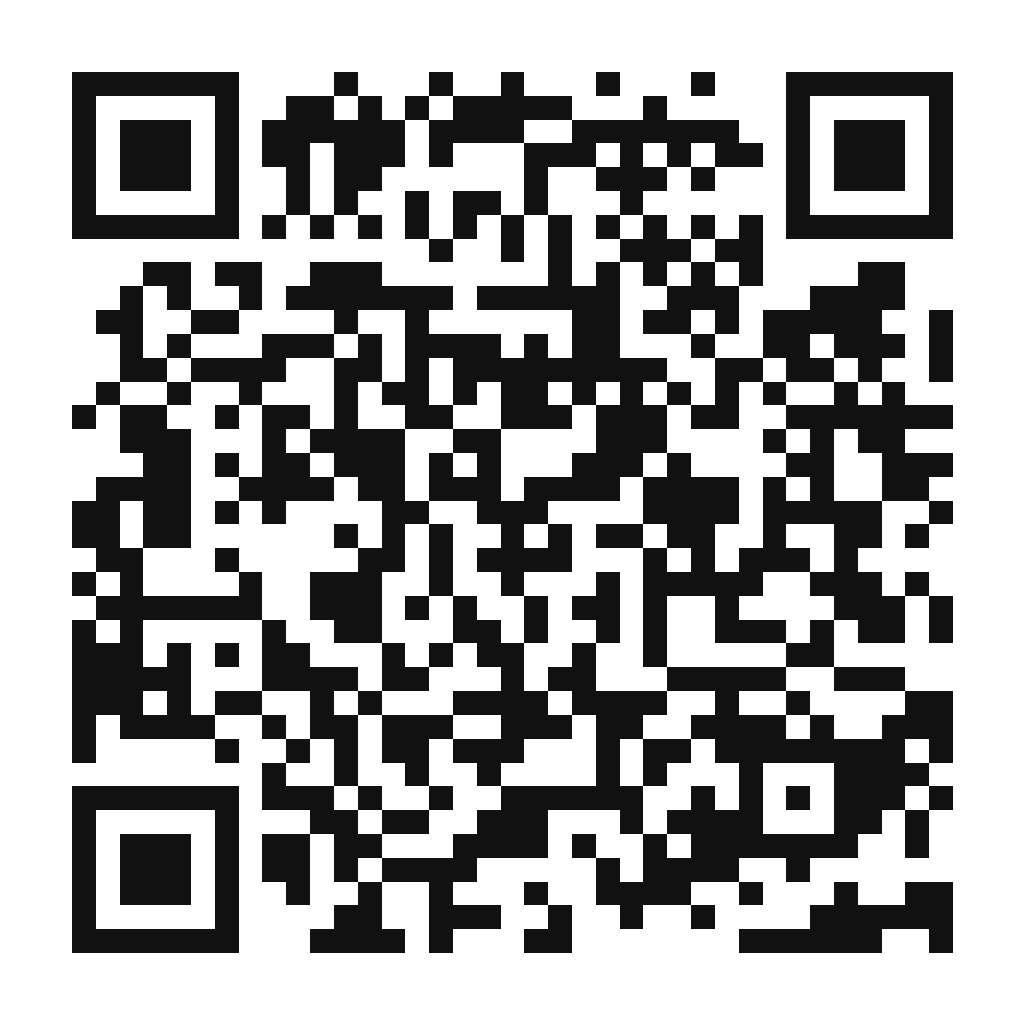
Scan to open on your phone
Point your phone camera at this QR code to open the install guide directly. Use it on flyers, market signs, packaging inserts, or table displays.
robbydslilgreens.com/how-to-install
Troubleshooting
The install button didn't appear on Android Chrome▾
Chrome requires a few conditions before showing the prompt: you must have visited the site at least once, and some time must pass. Refresh the page, wait 15 seconds, then check again. If you previously dismissed the prompt, open Chrome Settings → Site Settings → find this site → Clear data, then revisit.
I'm on iPhone but I don't see the Share button▾
You must be using Safari — not Chrome, Firefox, or any other browser. iOS Chrome cannot install PWAs. Also check that you're not in Private Browsing mode, which blocks installation.
I installed it but the app still shows install prompts▾
Close the browser tab and reopen the app from your home screen icon. The installed version detects standalone mode automatically and hides all install prompts. A hard-refresh (pull to reload) inside the installed app also fixes it.
The Samsung Internet menu looks different▾
Samsung Internet updates frequently. If you don't see 'Add page to', look for a bookmark or home icon in the address bar, or check the full ≡ menu for any 'Add to' option. On newer versions, a native install banner may appear automatically.
I'm on a desktop computer▾
Chrome and Edge on Windows/Mac support PWA installation. Look for an install icon (computer with a down-arrow) in the address bar, or use the browser menu → 'Install Robby Ds Lil Greens'.
Questions? Visit our site or reach out directly.